Prerequisites
- Android device
- Termux installed
Installation Steps
- Install Termux: Download and install Termux from the Google Play Store or F-Droid.
-
Update and Upgrade Packages:
pkg update && pkg upgrade -y pkg install proot-distro -y -
Install Arch Linux:
proot-distro install archlinux -
Login into Arch Linux:
proot-distro login archlinux -
Install Git, OpenSSH, and Base-devel:
pacman -Syu base-devel git openssh -
Download Visual Studio Code CLI:
For 64-bit devices:
curl -L https://update.code.visualstudio.com/latest/cli-linux-arm64/stable | bsdtar -xf - -C /usr/local/binFor 32-bit devices:
curl -L https://update.code.visualstudio.com/latest/cli-linux-armhf/stable | bsdtar -xf - -C /usr/local/bin -
Run Visual Studio Code (Online Version):
code tunnelAdvantages: Accessible from anywhere.
Disadvantages: Slow and highly dependent on GitHub and Microsoft authentication.
-
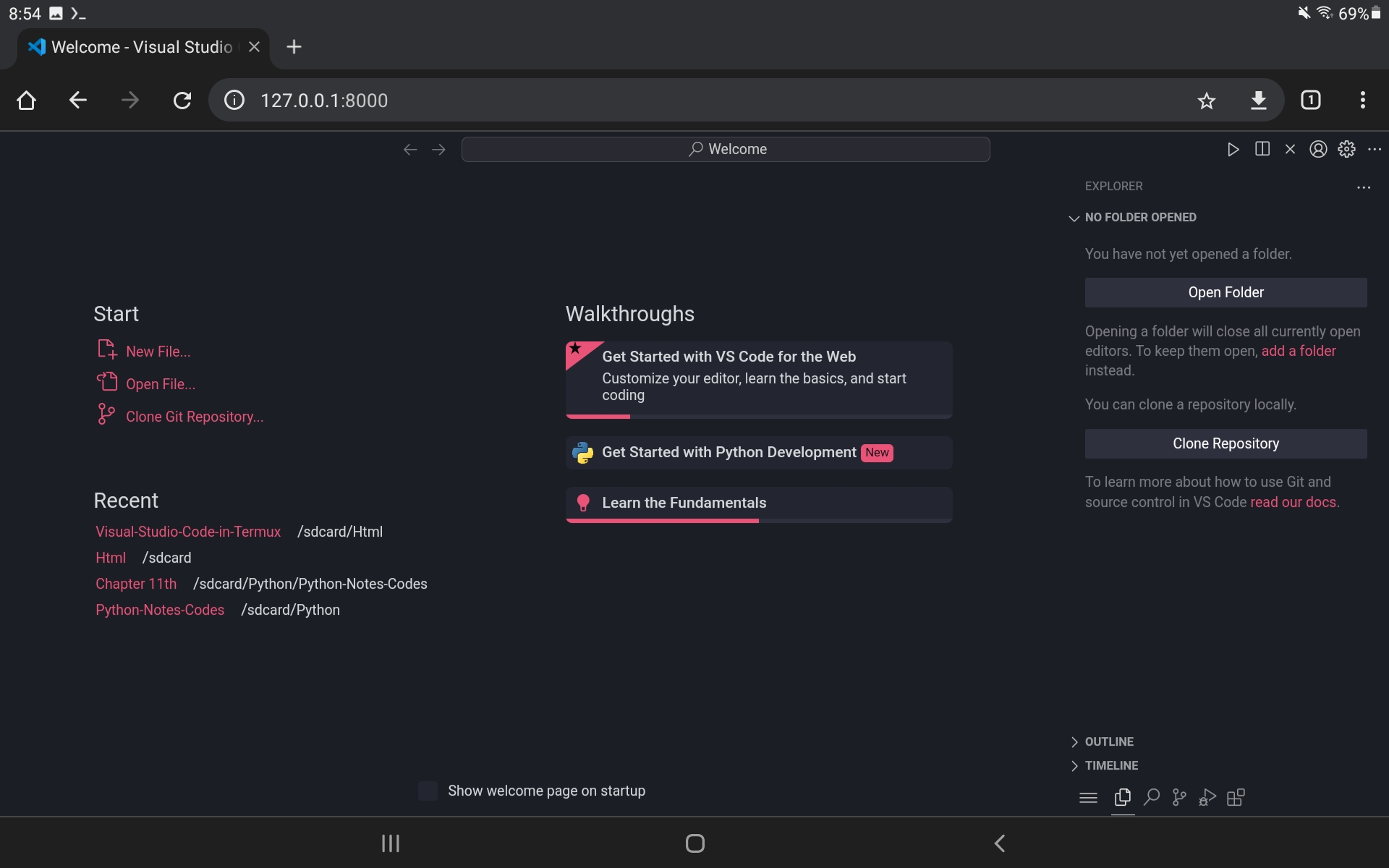
Run Visual Studio Code (Offline Version):
code serve-web --host 127.0.0.1Advantages: Fast and doesn't require any authentication.
Disadvantages: Runs on localhost and isn't accessible on remote devices, only on the device where the server is started.